X-Pay
Install and configure the PayTomorrow app in the X-Pay admin console.
Install the app
In the admin console, go to Apps → Go to external App Store → Paytomorrow and install it. Confirm it's enabled under Apps → My Apps.
Add the payment method
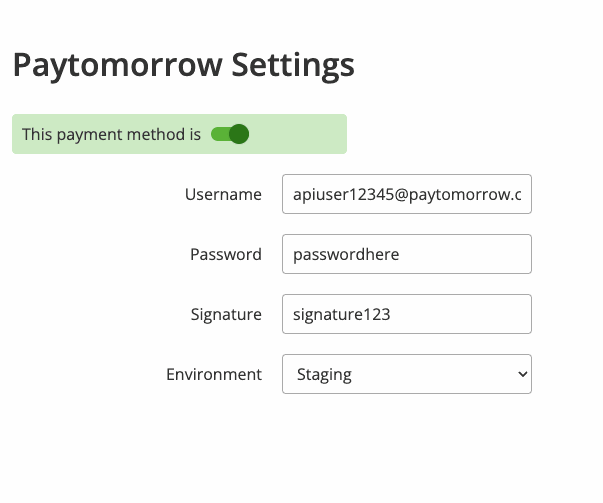
Go to Store → Payment Methods, click Add Payment, and add Paytomorrow. Open its settings and enter your API credentials from Resources in the merchant dashboard.