

Shopify
Install the PayTomorrow payment app and messaging app for Shopify.
PayTomorrow for Shopify is two apps:
- PayTomorrow Payment adds PayTomorrow as a payment method at checkout.
- PayTomorrow adds the Monthly Payment Estimator and financing messaging to your storefront.
Before you install
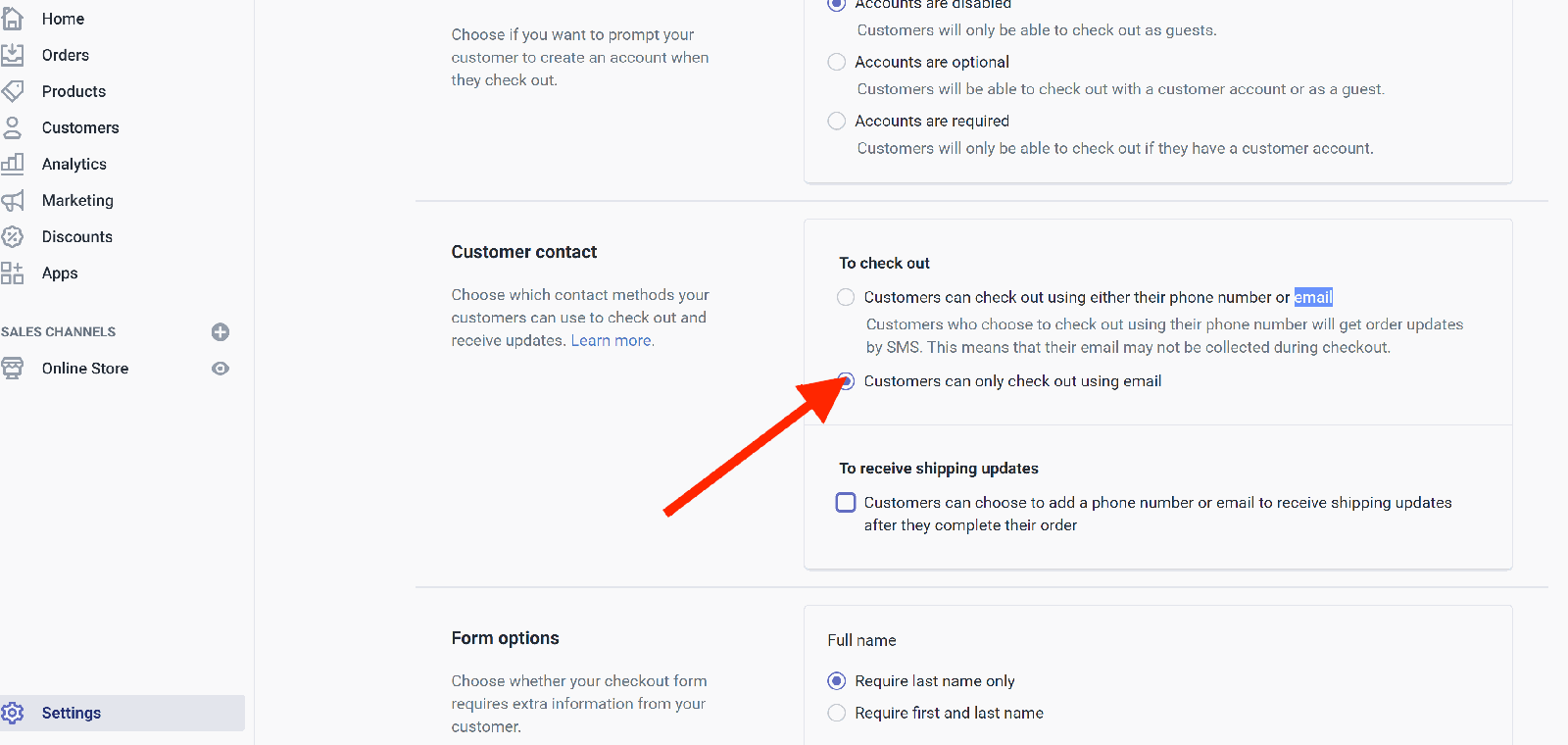
Customers must check out with an email address. In Shopify admin, go to Settings → Checkout and set customer contact to Email.
Install the messaging app
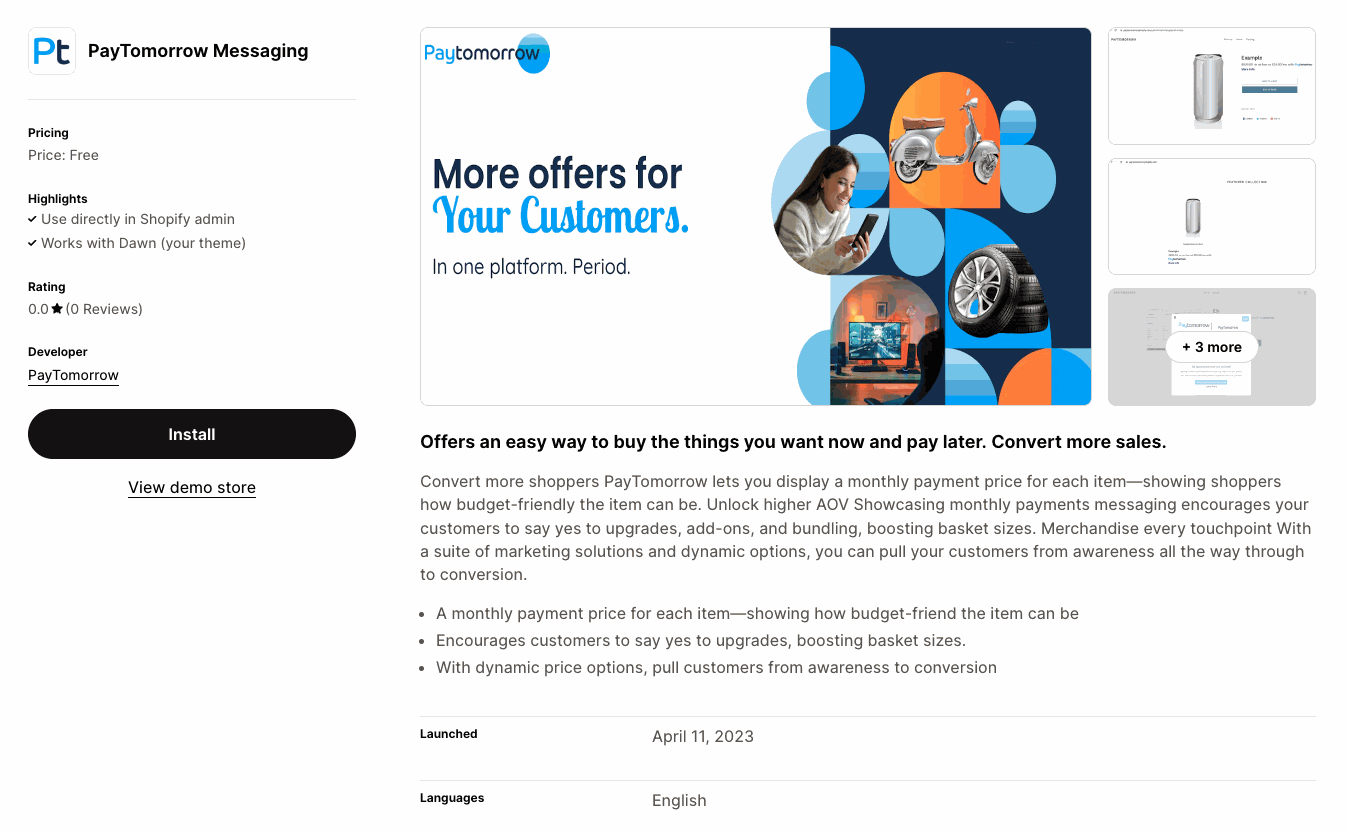
Open apps.shopify.com/paytomorrow and click Install.
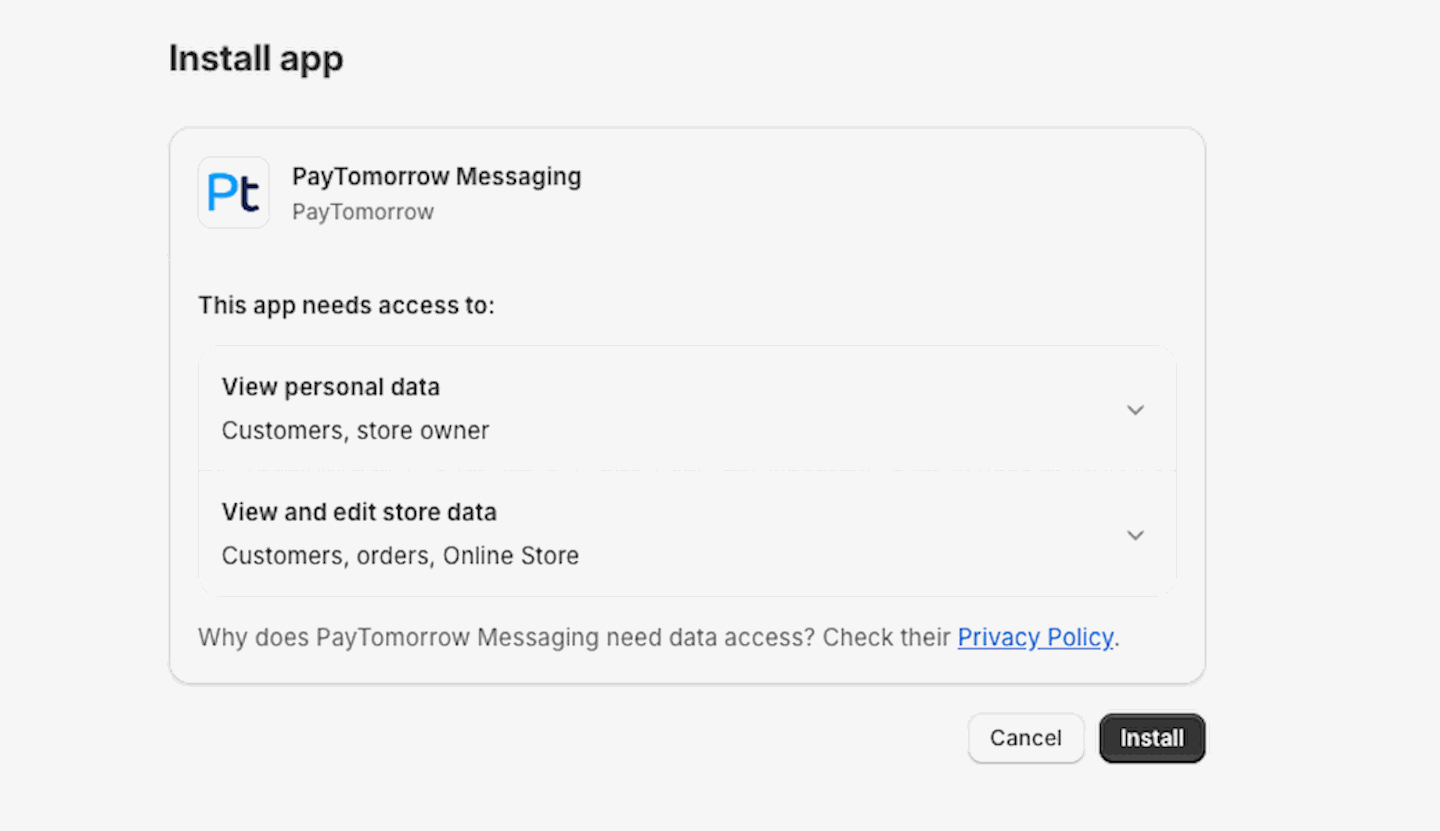
Approve the requested access.
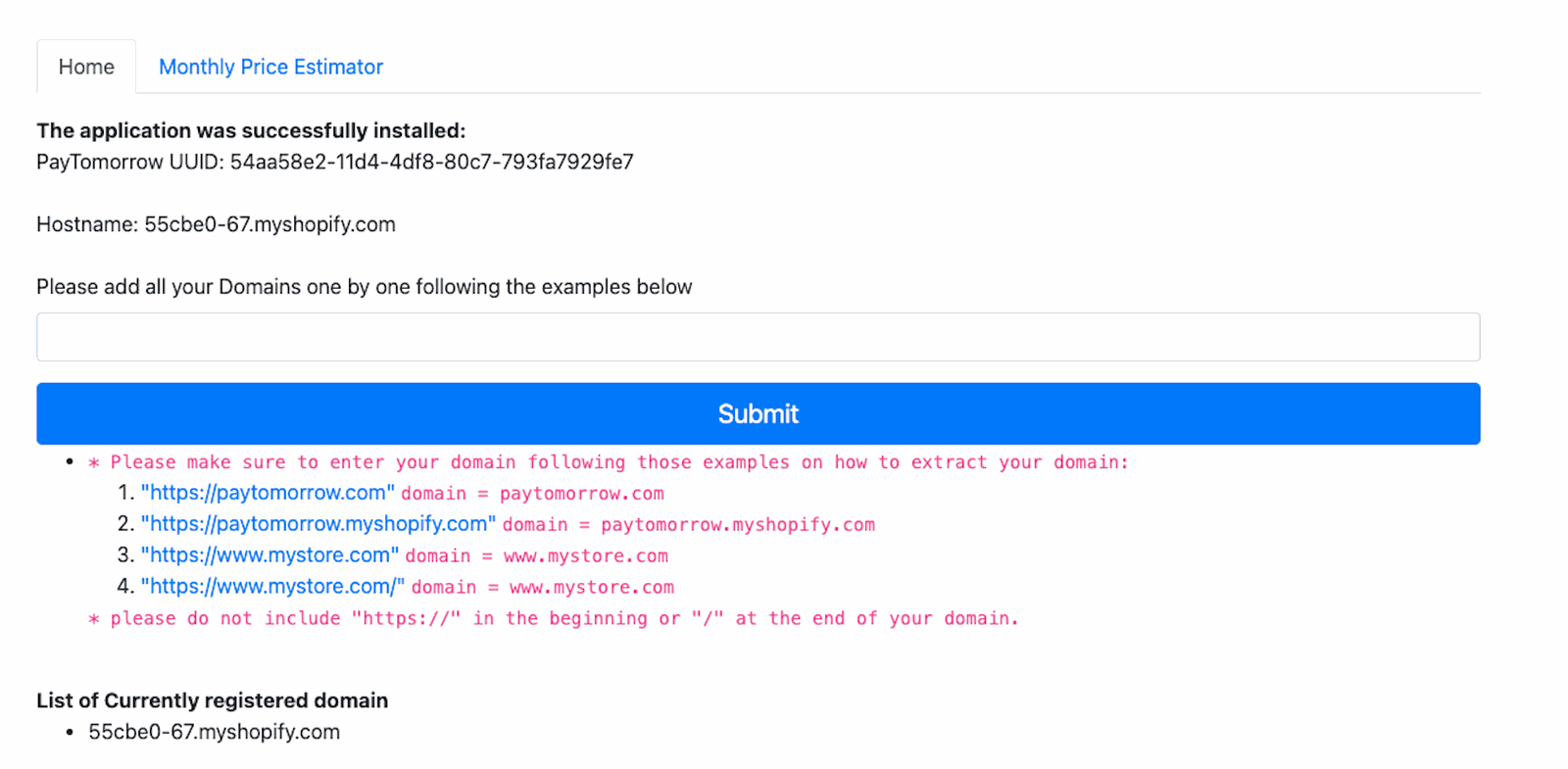
Enter your store's domain.
Install the payment app
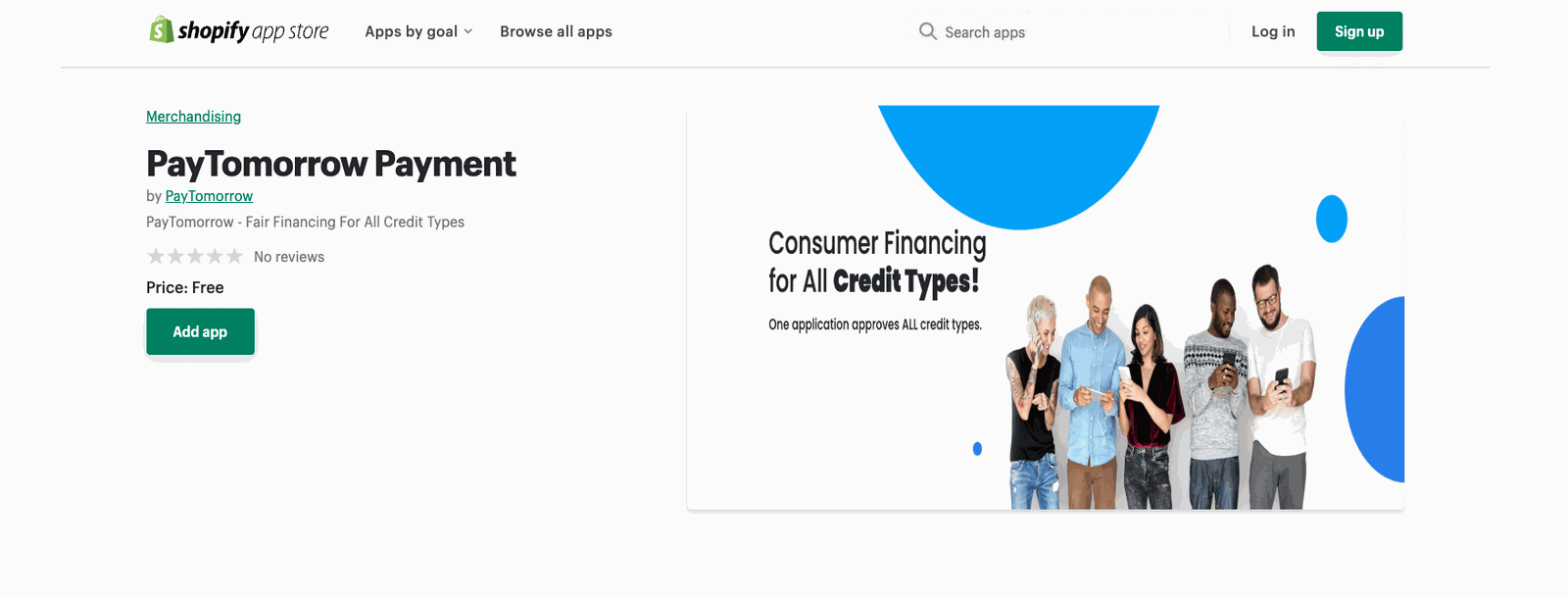
Open apps.shopify.com/paytomorrow-payment, click Add app, and log in to your store.
Connect your PayTomorrow account
Go to Settings → Payments → Alternative payment methods, find PayTomorrow, and click Manage.
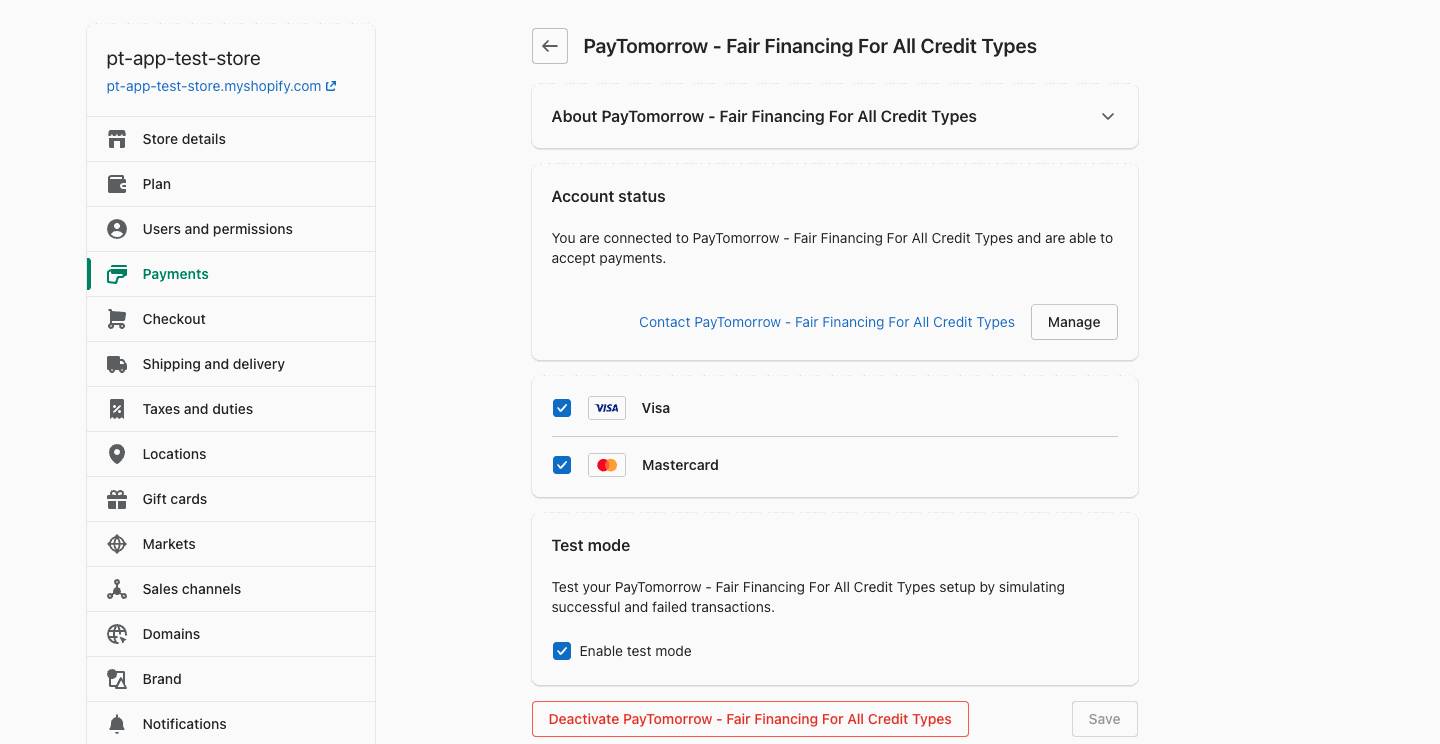
Enter your API username and API password. Turn on test mode while you're using staging credentials.
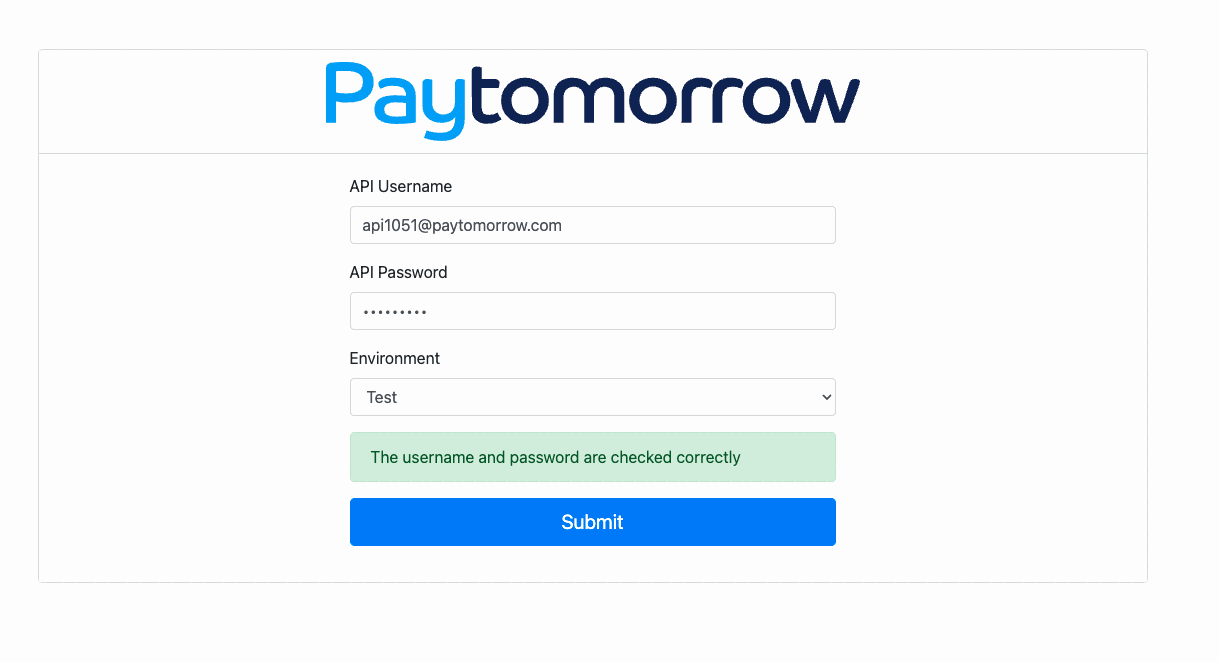
Staging and production use different credentials. Switch both the credentials and test mode when you go live.
Turn on the Monthly Payment Estimator
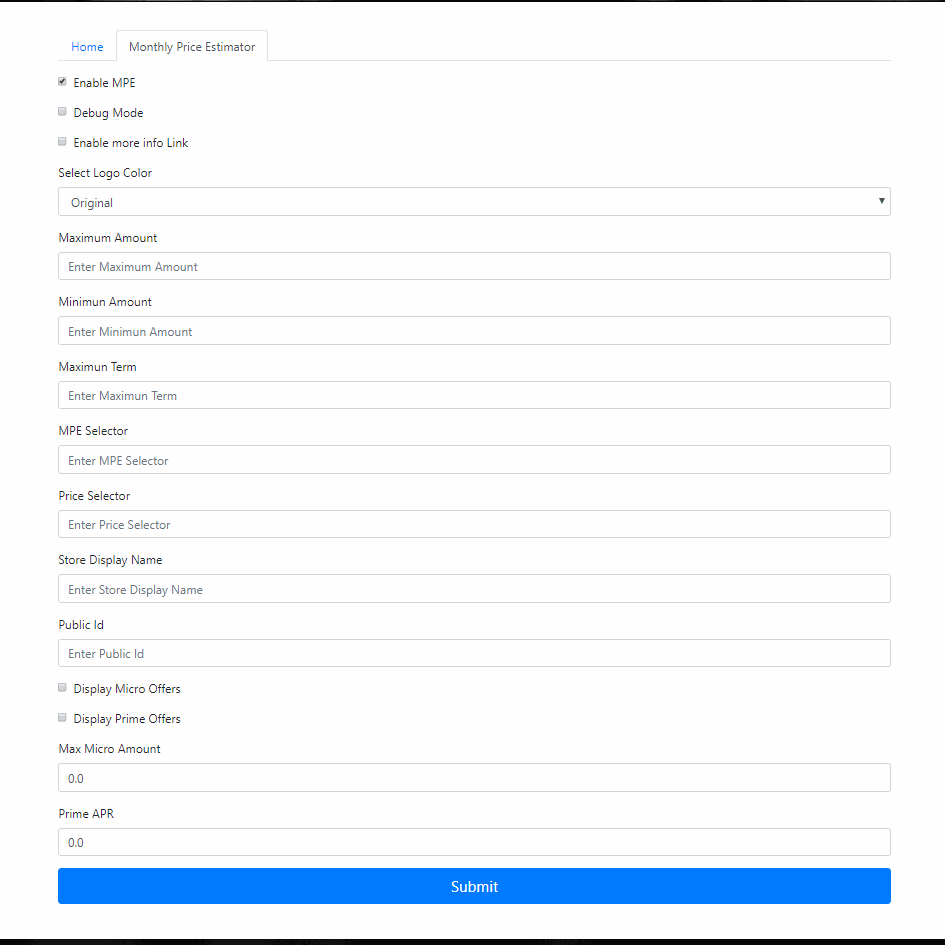
Go to Apps → PayTomorrow → Monthly Price Estimator and enter your Public ID from the merchant dashboard. See Monthly Payment Estimator for options.
Processing orders
When a customer checks out with PayTomorrow, the charge is authorized and the application moves to Ready to Settle in your PayTomorrow dashboard.

From the Shopify order you can:
| Action | When | What happens |
|---|---|---|
| Capture | After you ship the order | Settles the application. Funding starts and the customer's billing begins. |
| Void | Before capture | Cancels the application. |
| Refund | After capture | Refunds the application. Refunds must be for the full order amount. |
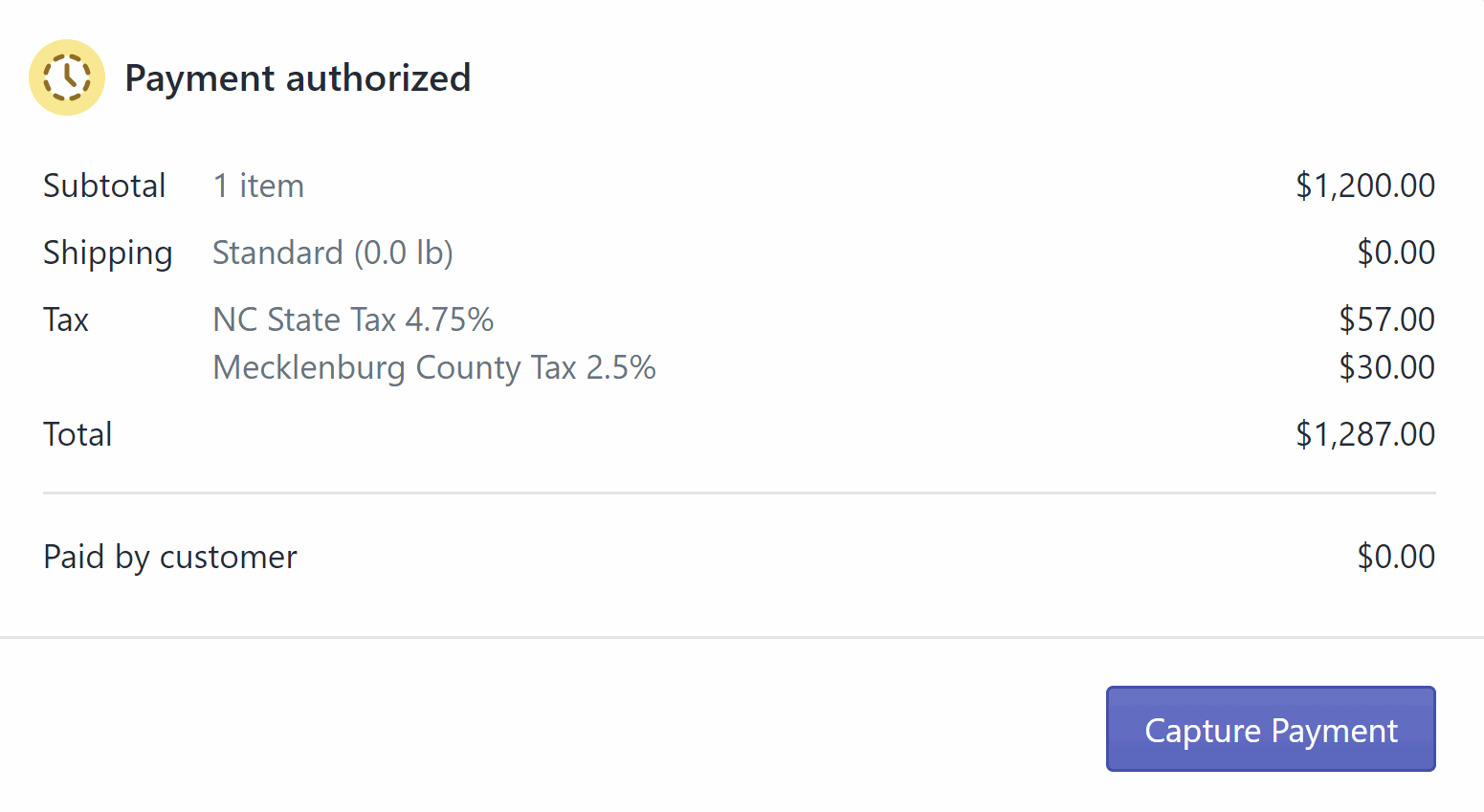
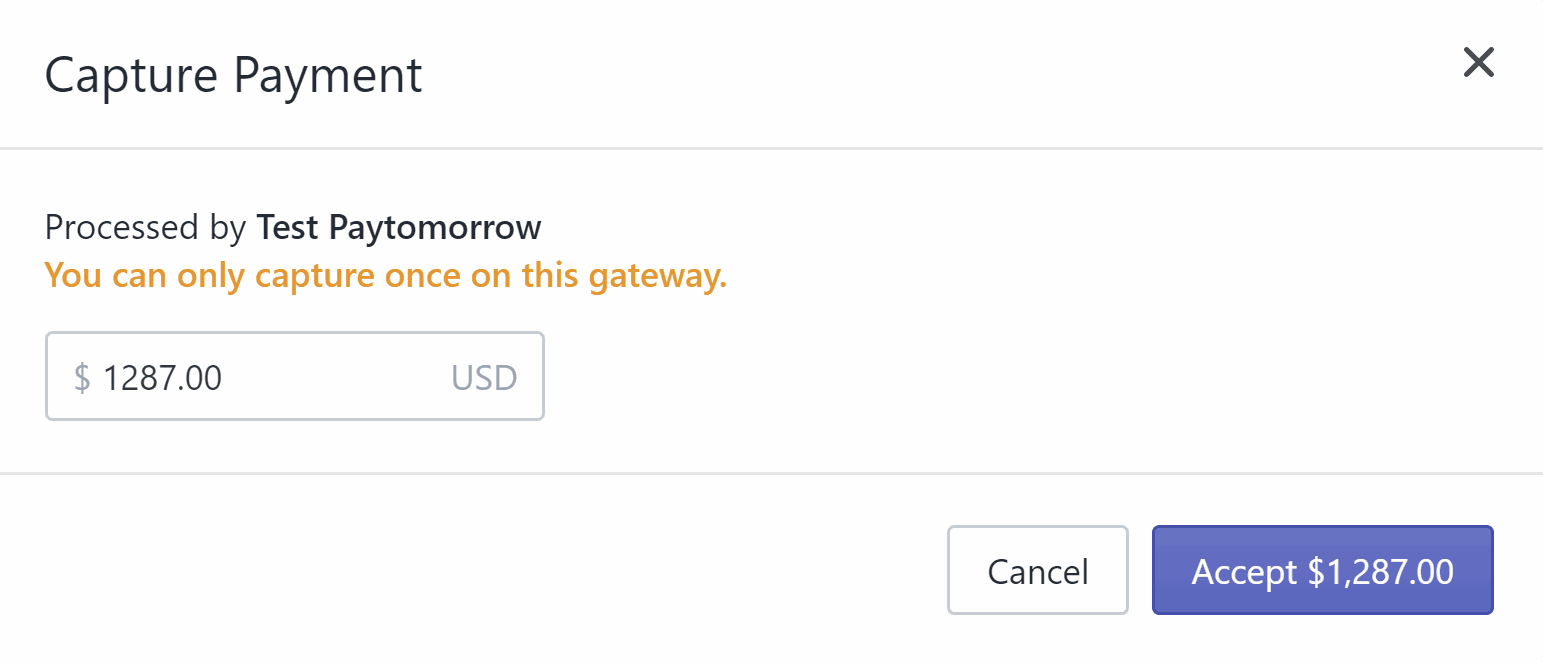
Capture after fulfillment
Capturing starts the customer's payment schedule. Capture when the order ships, not when it's placed.