Shift4Shop
Authorize the PayTomorrow app and enable it as a payment method in Shift4Shop.
Authorize the app
Open this URL, enter your store URL, and click Proceed:
https://apirest.3dcart.com/oauth/authorize?client_id=15d4f19079b7cc8127b8d0d33196b26a&redirect_uri=https://devportal.3dcart.com/oauth.asp&state=optionalstate&response_type=code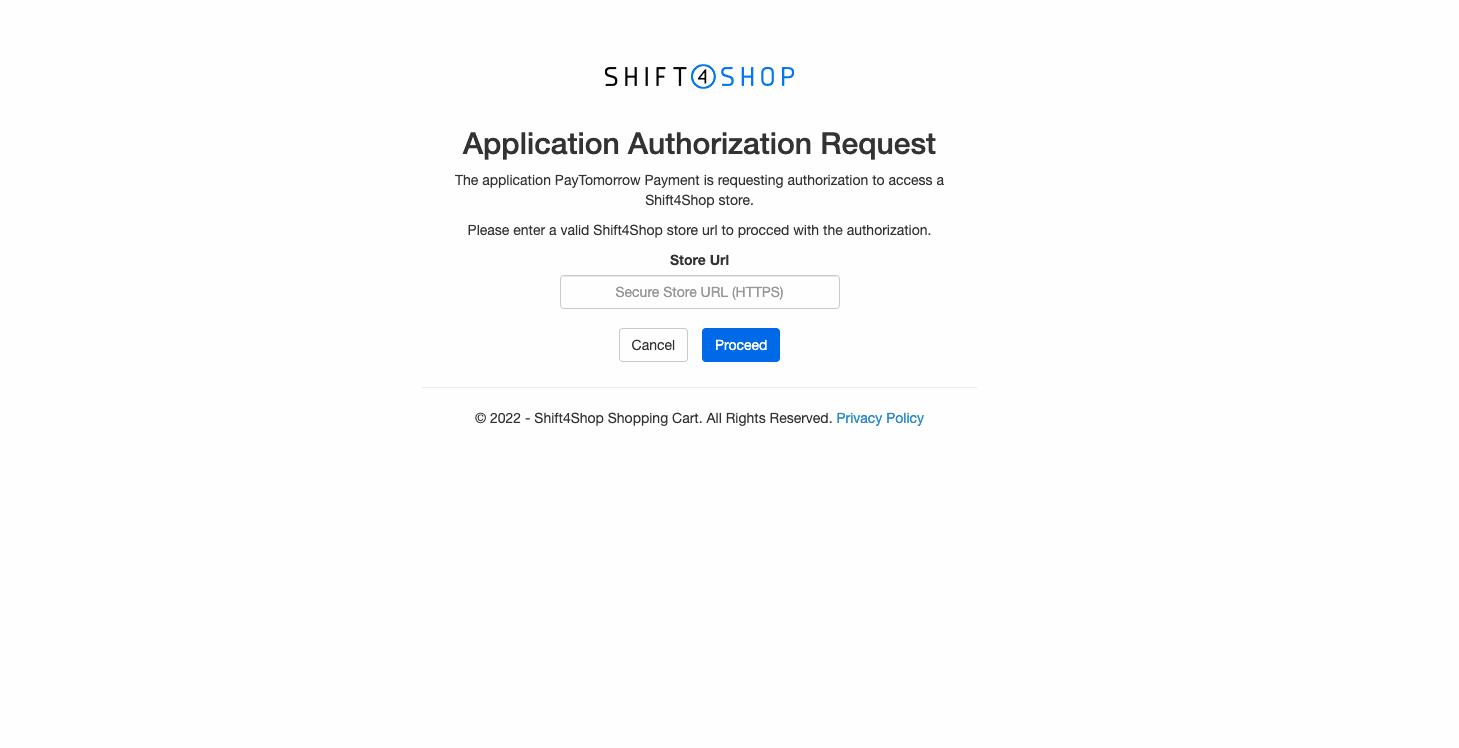
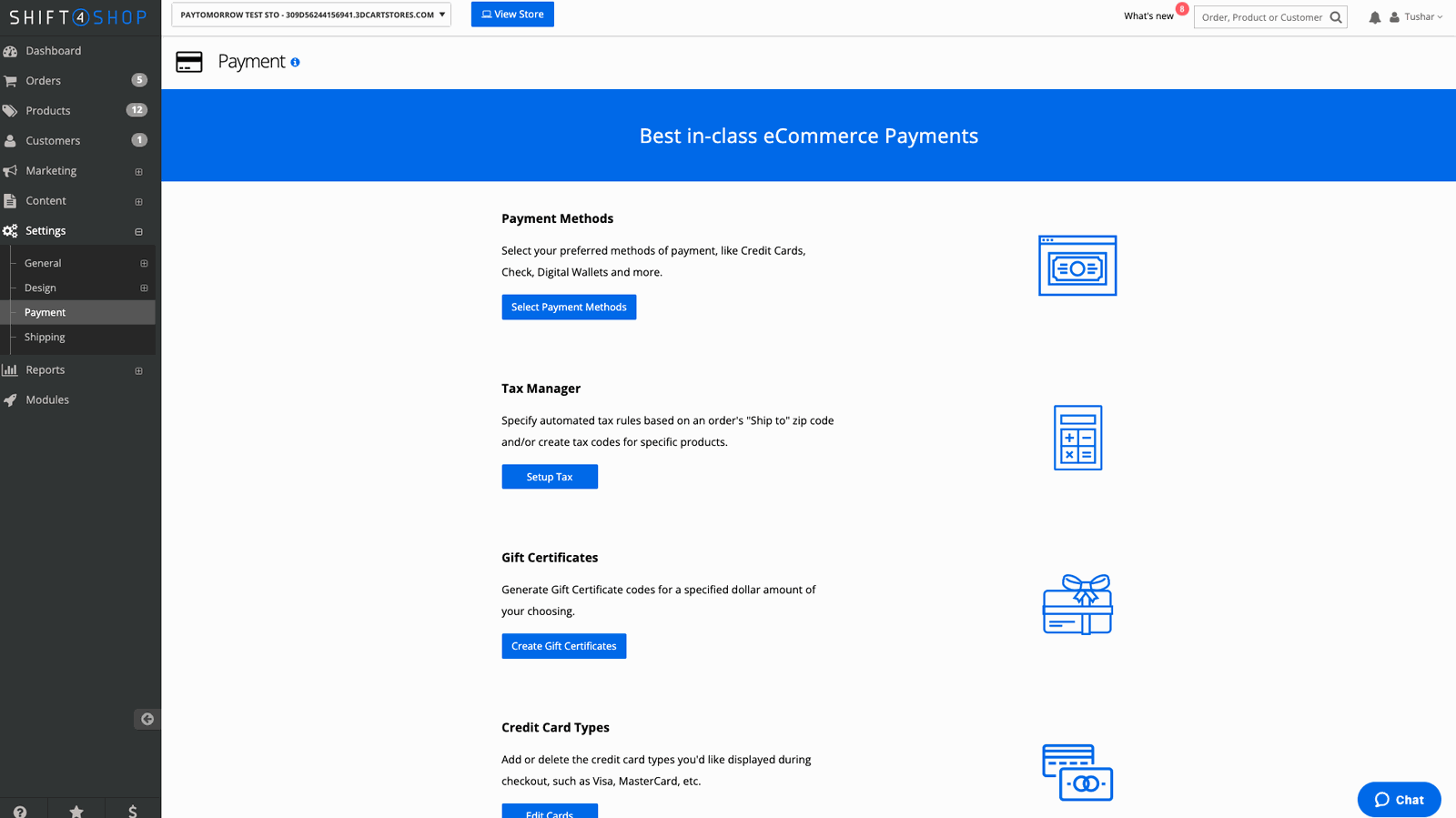
Enable the payment method
In your store admin, go to Settings → Payment → Select Payment Methods. Enter your API credentials from Resources in the merchant dashboard, activate PayTomorrow, and save.