

WebShop Manager
Enable PayTomorrow through the WebShop Manager 5.0 payment gateway.
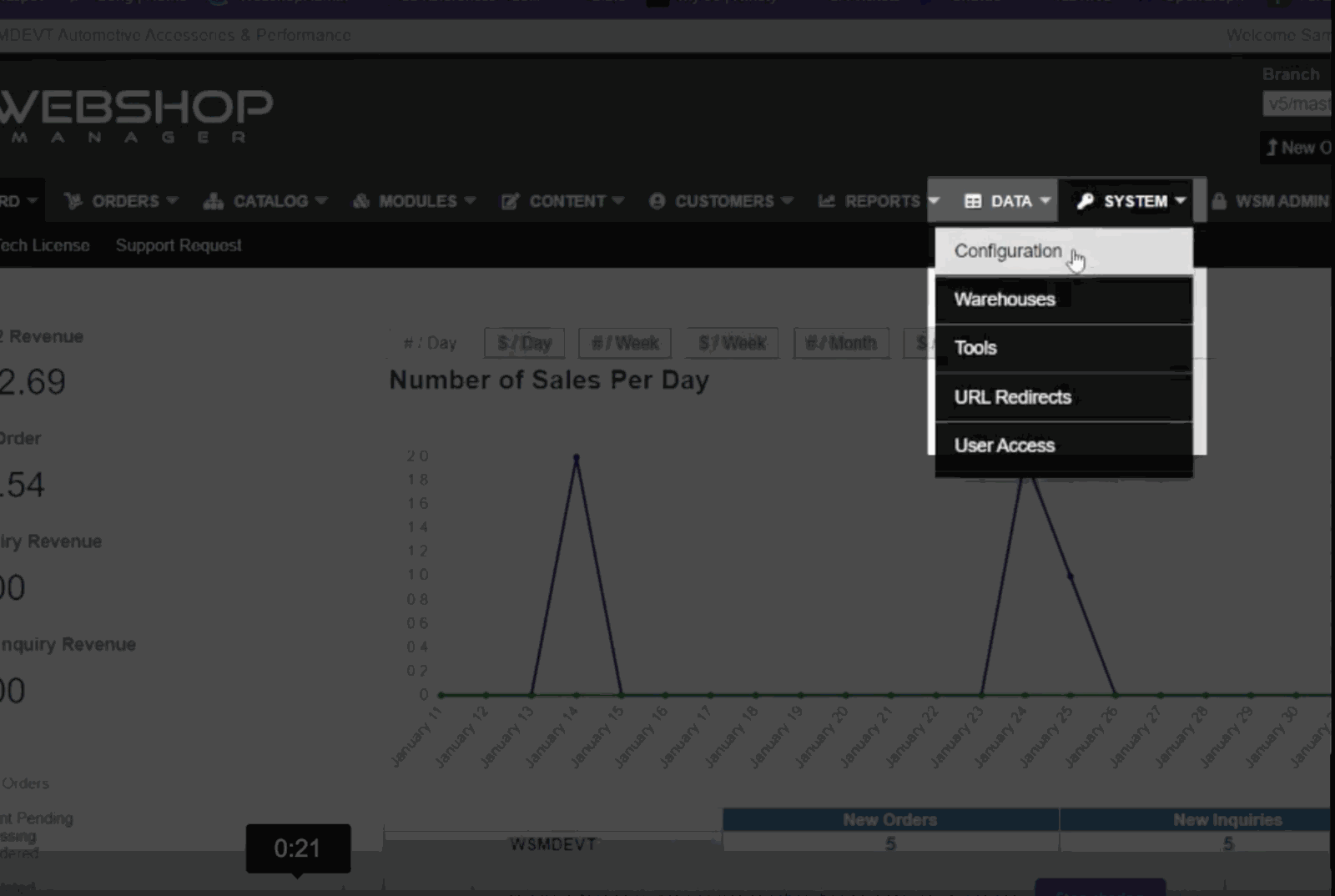
Go to System → Configuration.
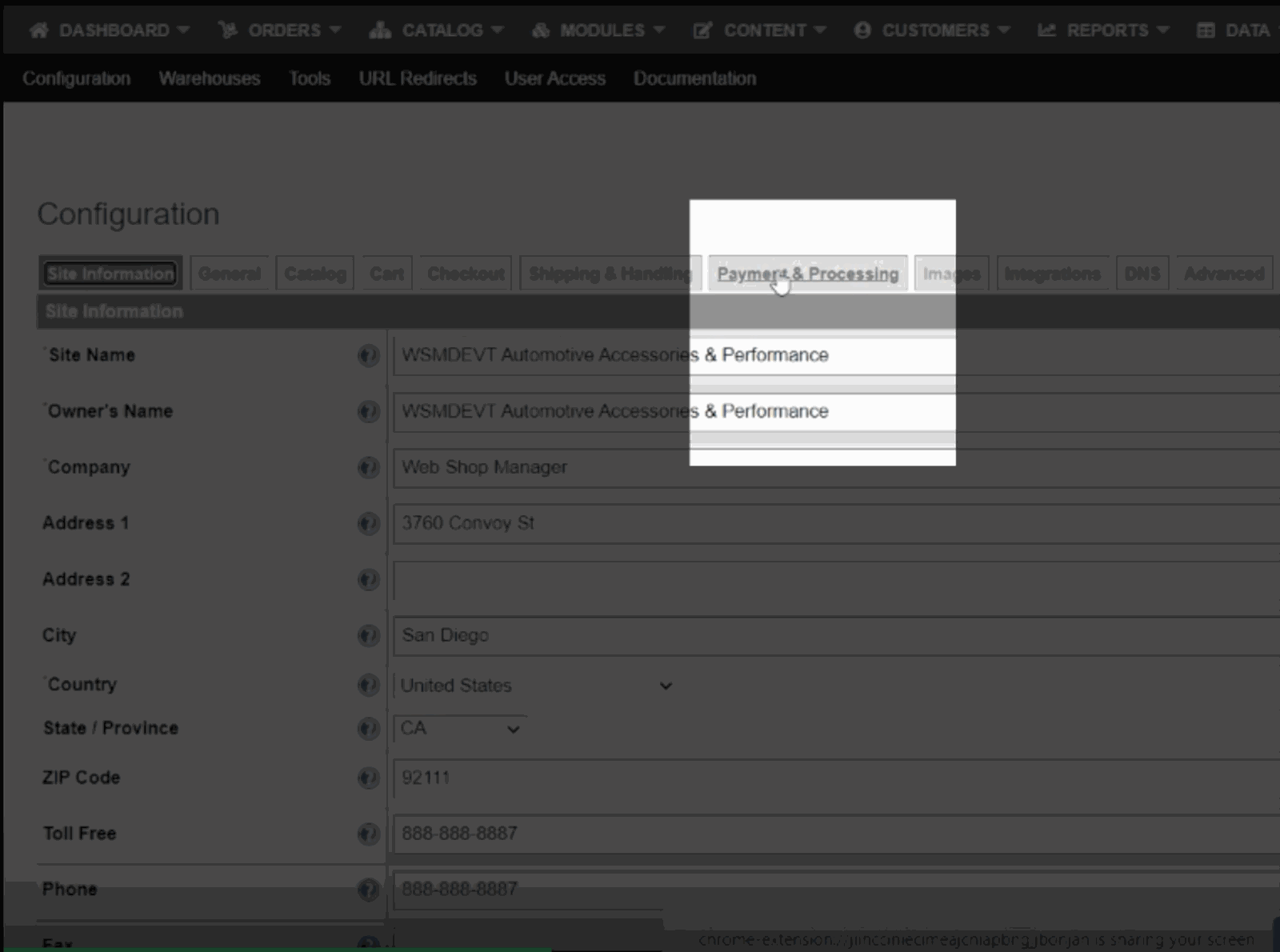
Choose Payment & Processing.
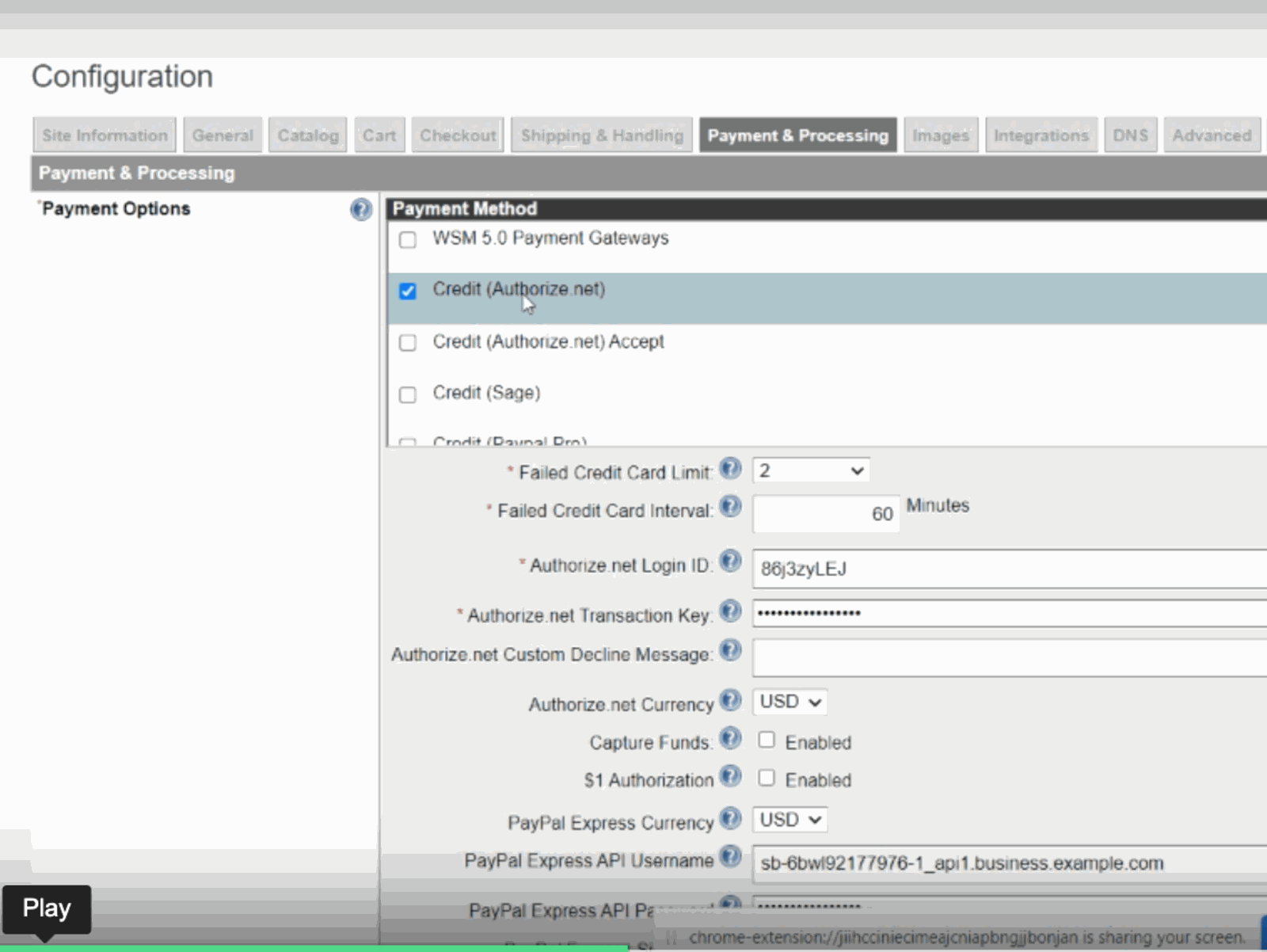
You'll see any payment processor you configured before. This is the legacy configuration.
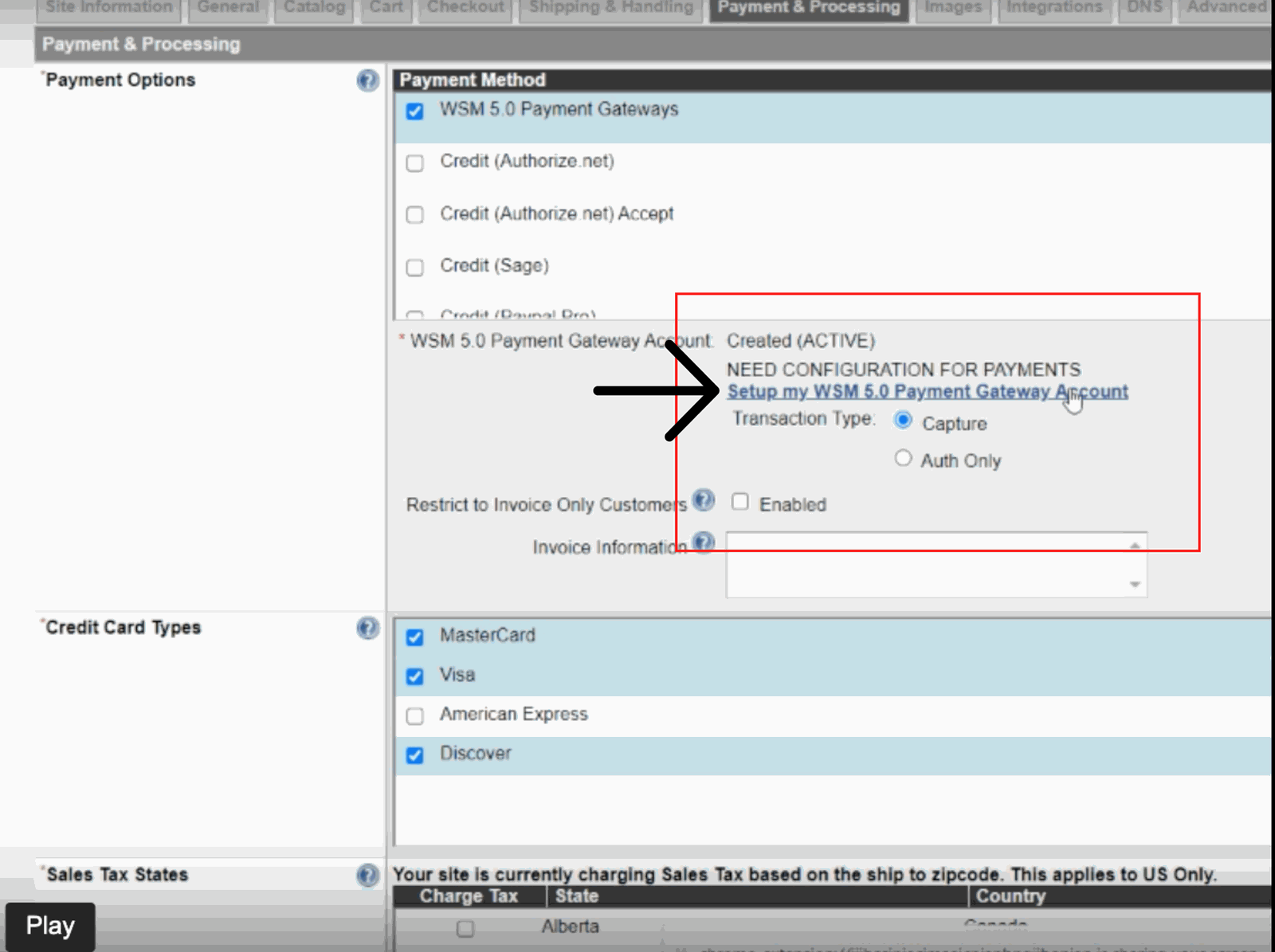
Select WSM 5.0, then Setup my WSM 5.0 Payment Gateway Account. Upgrading removes the previous connection.
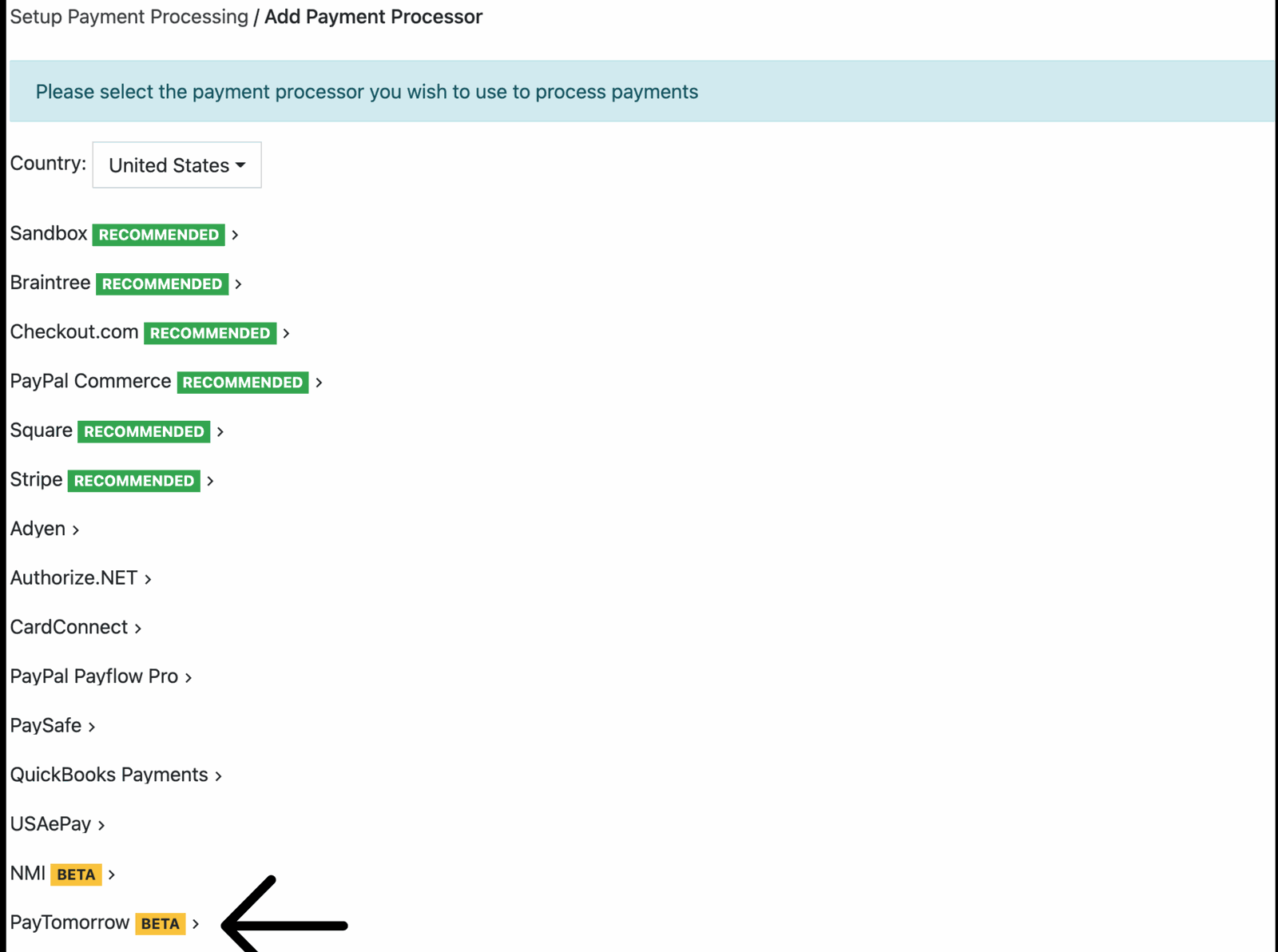
Select Paytomorrow from the list.
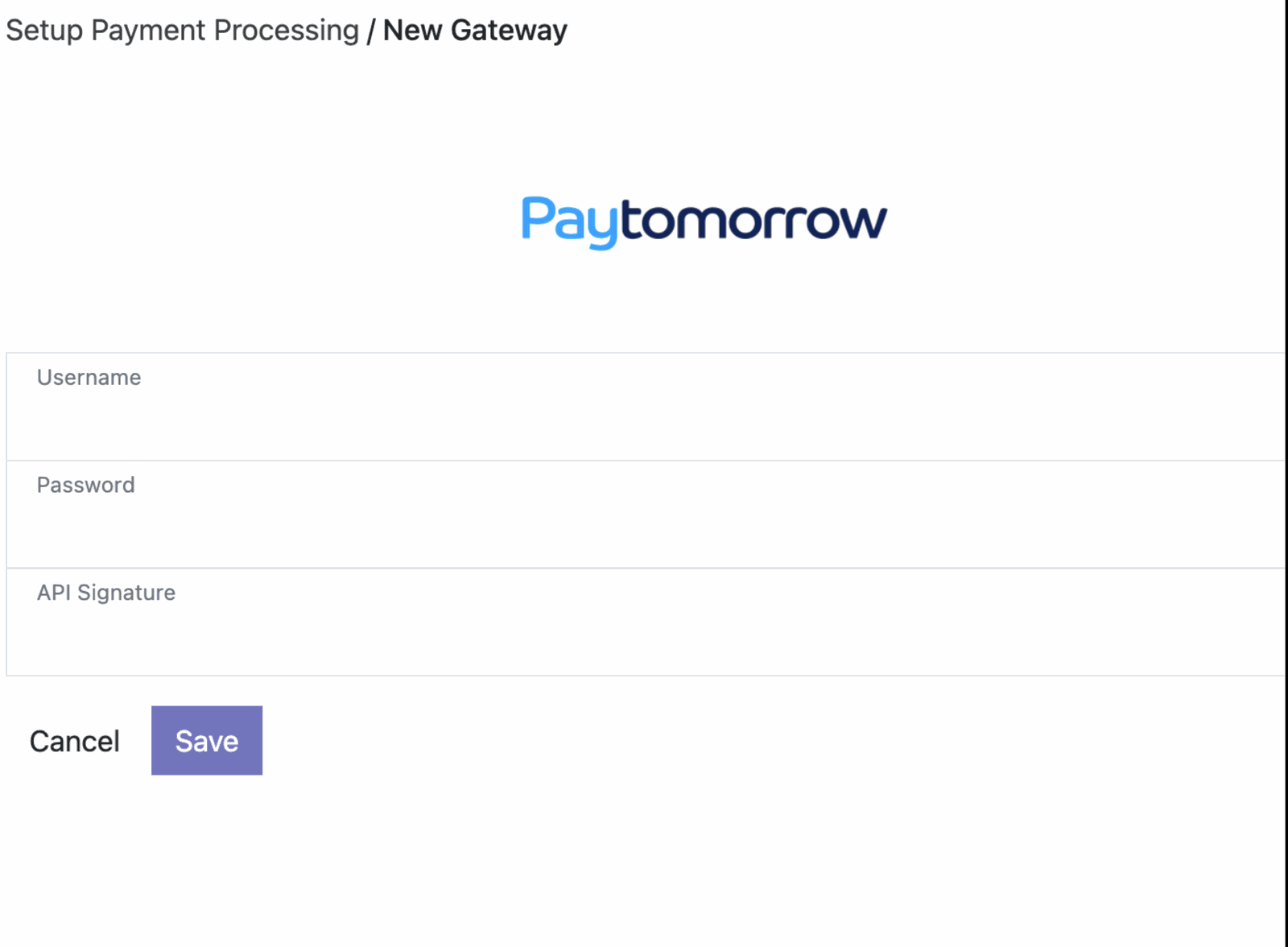
Enter your PayTomorrow API username, password, and signature.
Prefer video? Watch the setup walkthrough.